
Get Aurum
2. Open your free code page
You'll get a private page with the Aurum Lite code to copy into TradingView. It opens once, so have TradingView ready before you continue.
We use these only for your order and setup help. See our privacy notice.
2. Choose how to pay
Next you'll get an order reference to put on your payment, plus the payment details.
We use these only for your order and setup help. See our privacy notice.
3. Pay by
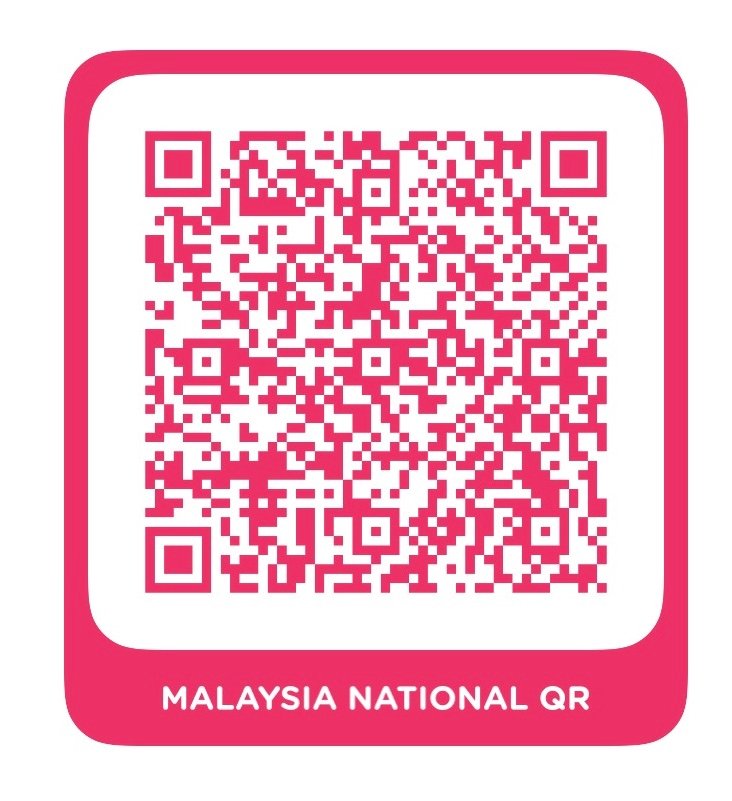
The QR code didn't load. Please pay with Touch 'n Go instead, or email help@aurumtrade.my.
Scan with any DuitNow-enabled banking or e-wallet app (including Touch 'n Go) and pay the amount below. Put your order reference in the payment note.
- Amount
- Reference
- Open the Touch 'n Go eWallet app and tap Transfer.
- Send to the number below and enter the exact amount.
- Put your order reference in the note.
- Amount
- Touch 'n Go number
- Payment note
Only pay to this QR code or Touch 'n Go number. Add your order reference so we can match your payment.
4. Send your receipt on Telegram
After paying, tap below to open our Telegram bot with your order attached, then send a photo or PDF of the receipt. Once it's confirmed, the bot sends you a private code page that opens once.
Send receipt on Telegram